Record once. It comes out finished.
One take becomes a polished, share-ready video and a few GIFs. Zoomed to your real clicks, captioned, cleaned up, properly framed. Made on your Mac, by your Mac, and nothing leaves it.
A native screen recorder for macOS 26 on Apple silicon. Running today, still in development, not shipped yet.
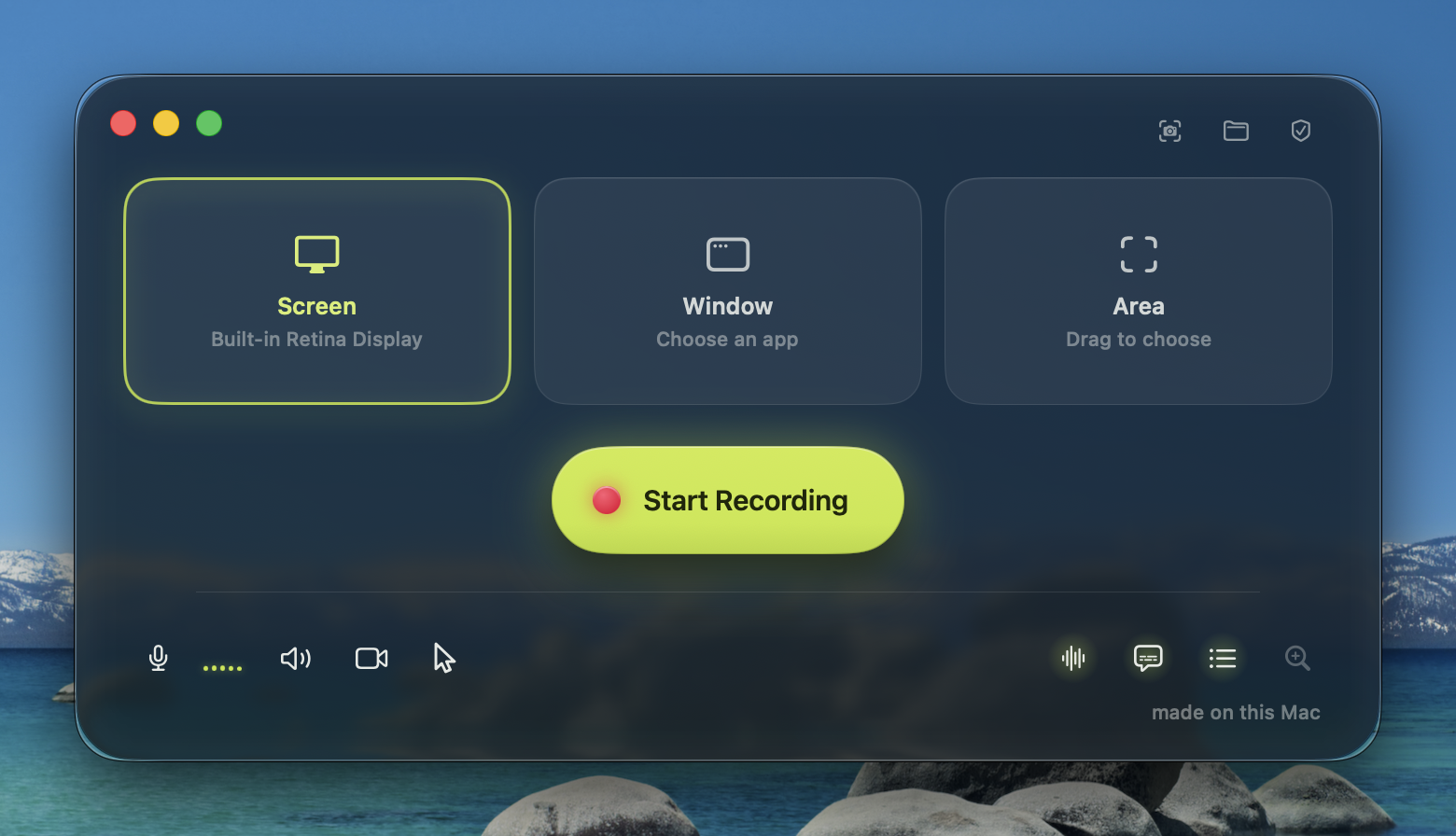
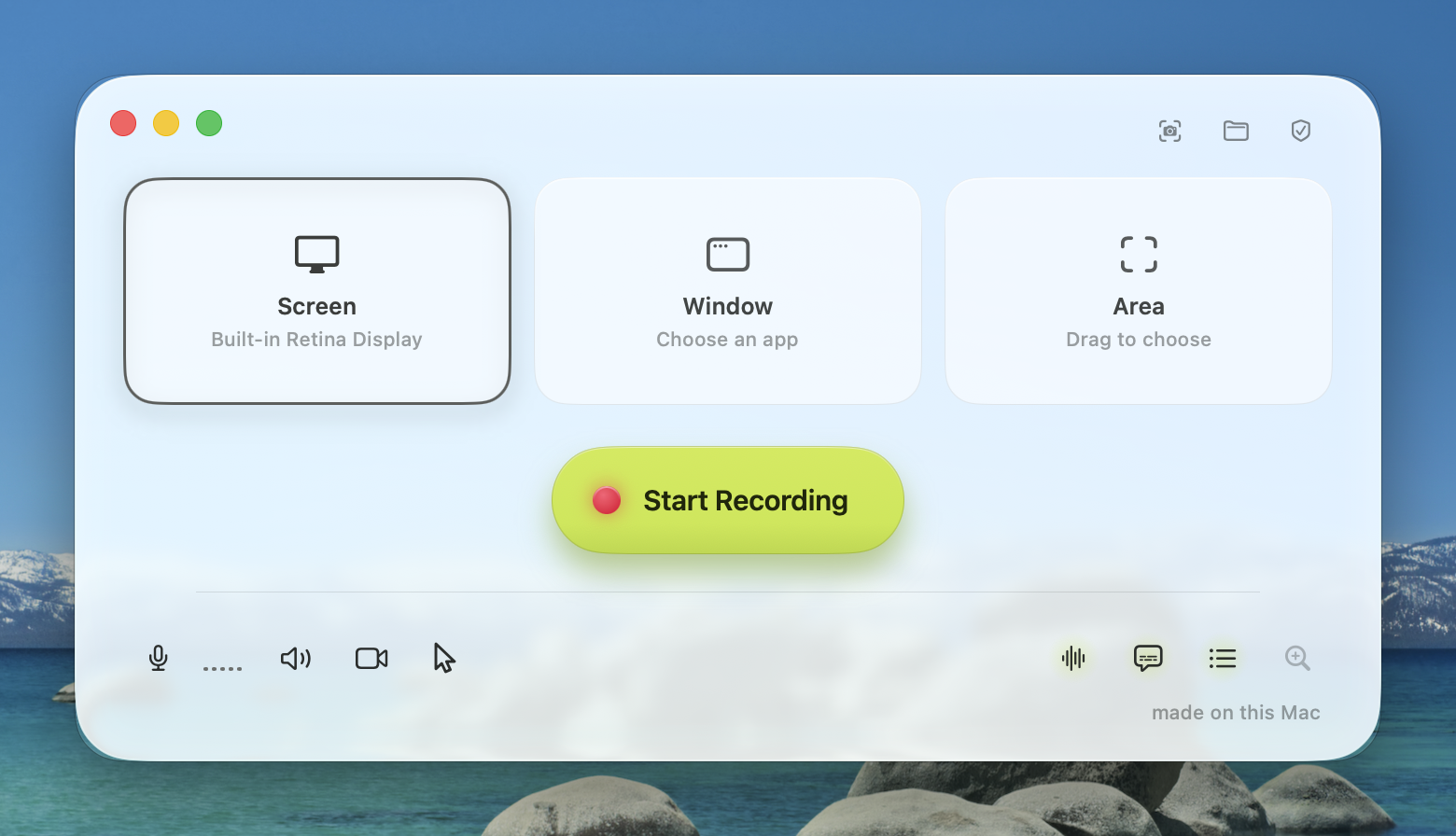
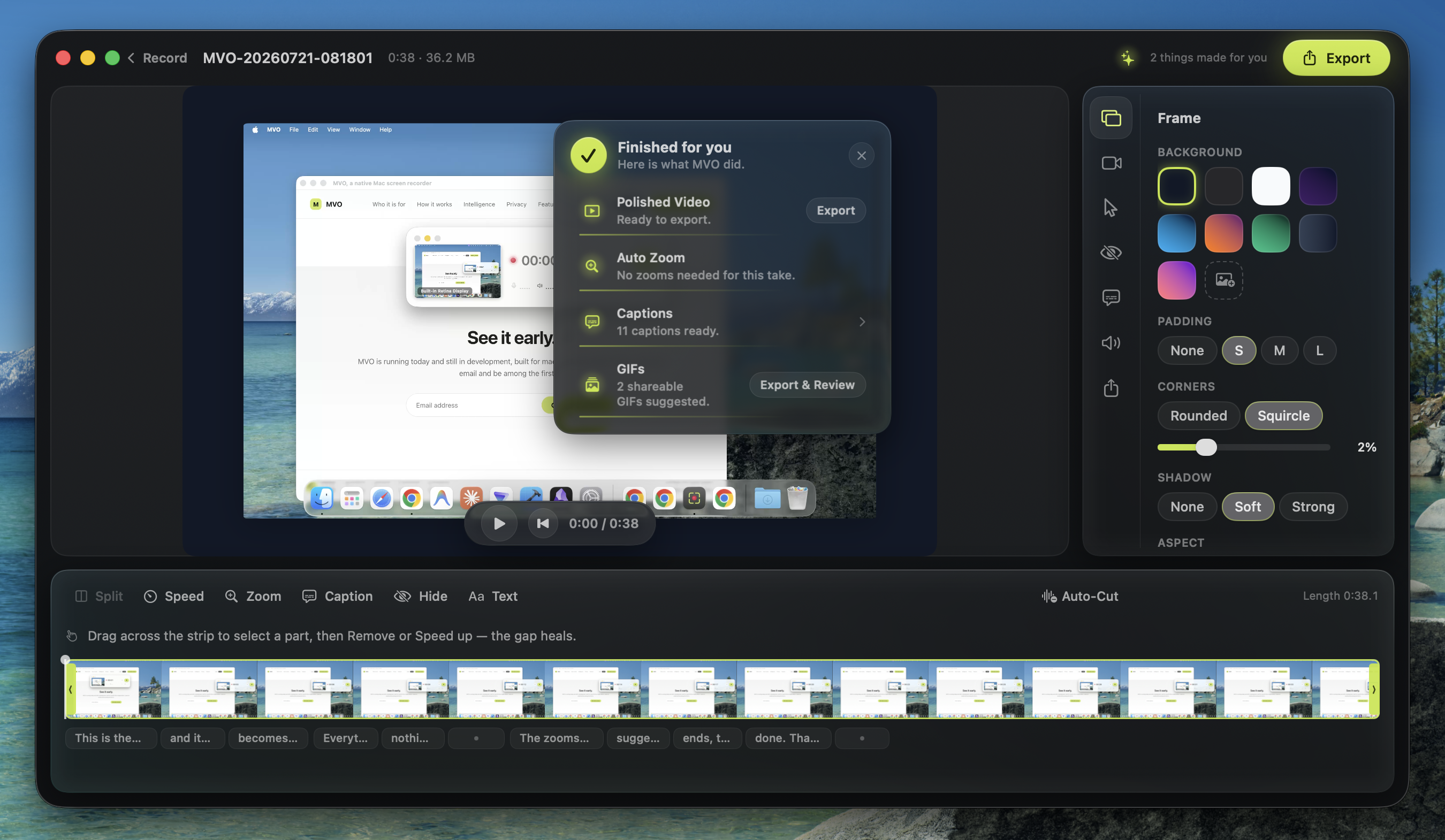
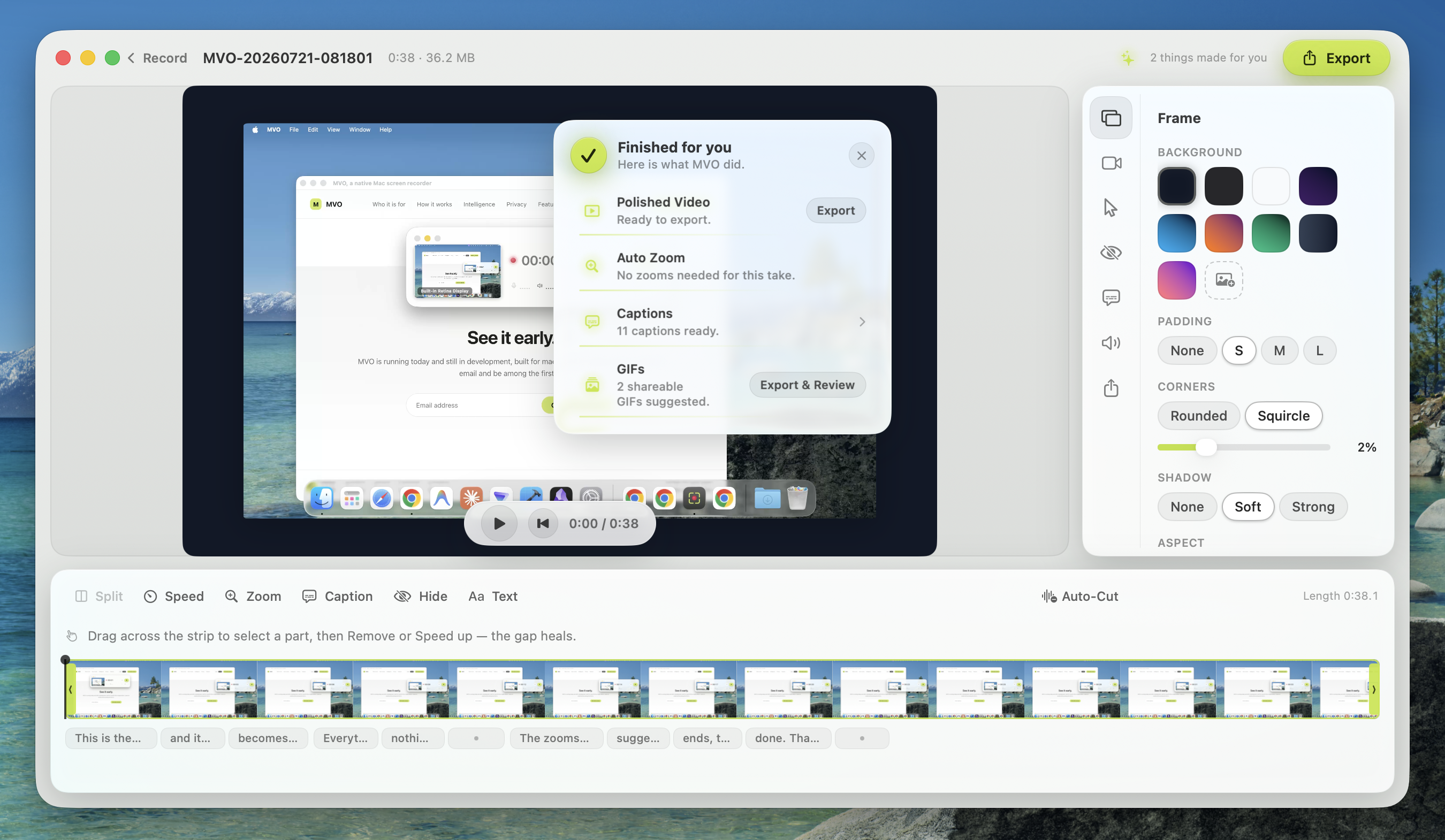
The recorder. A real capture of the running app.
Who it is for
Made for everyone with something to show.
And most people are two or three of these at once.
Teachers
Tomorrow's lesson, recorded tonight.
HR teams
Training a new hire actually watches.
Founders
A demo of the unreleased build, under NDA.
Support teams
A ticket answered with a two-minute video.
Engineers
A bug report someone can actually see.
Real estate agents
Closing documents, walked through before signing.
Project managers
The weekly brief, without the meeting.
Podcasters
Walking through an article, on air.
Academics
The paper, explained in nine minutes.
Students
A walkthrough, submitted on time.
Small businesses
A tutorial for the thing you sell.
Sales teams
A walkthrough recorded for one prospect.
Consultants
The findings, without booking a call.
IT teams
The new tool, rolled out to the whole company.
Employees
An answer for the boss in two minutes, not four paragraphs.
If it is on a screen, you can show it. Record once, it comes out finished.
Built for the person who has never edited a video. Fast enough for the expert who resents every wasted second.
How it works
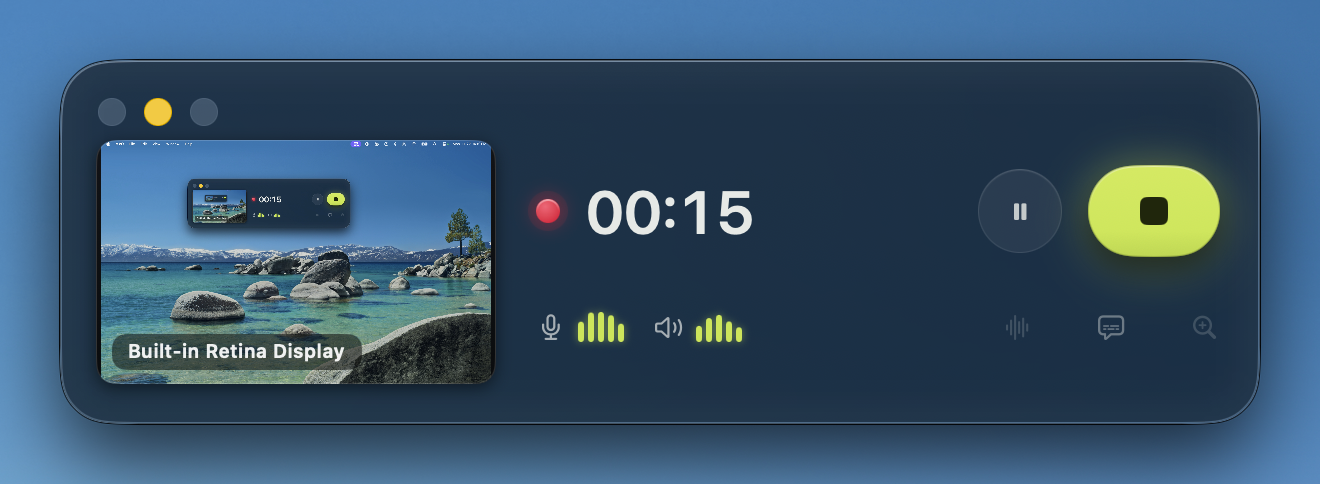
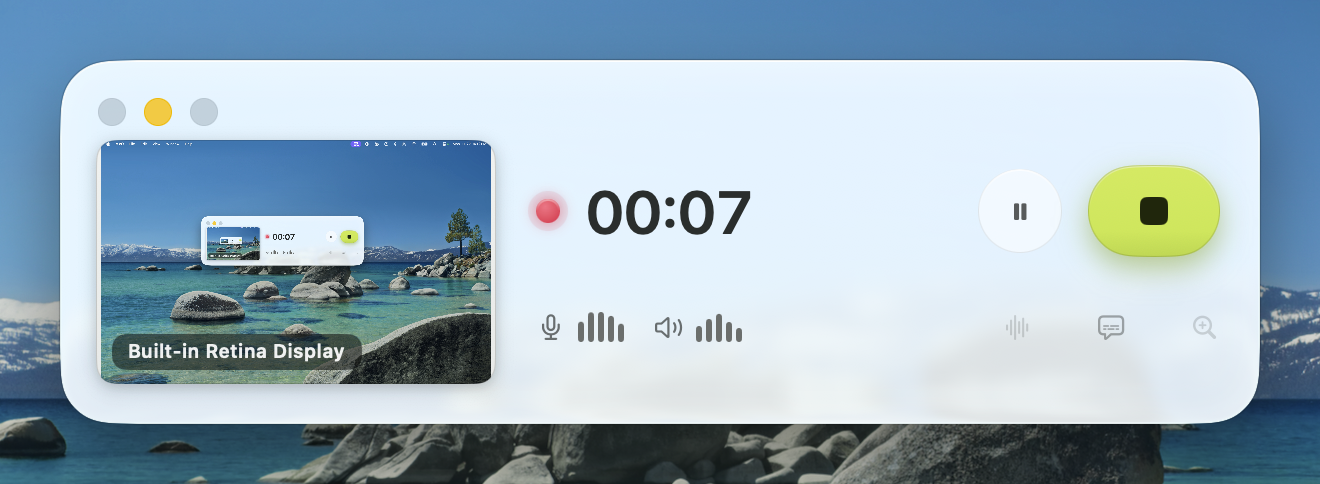
You press record. That is the whole job.
STEP 1
Record
Pick a display, a window, or an area you draw. Press record and do the thing you want to show. MVO captures the interaction itself, every click and shortcut, not just pixels.
STEP 2
It finishes itself
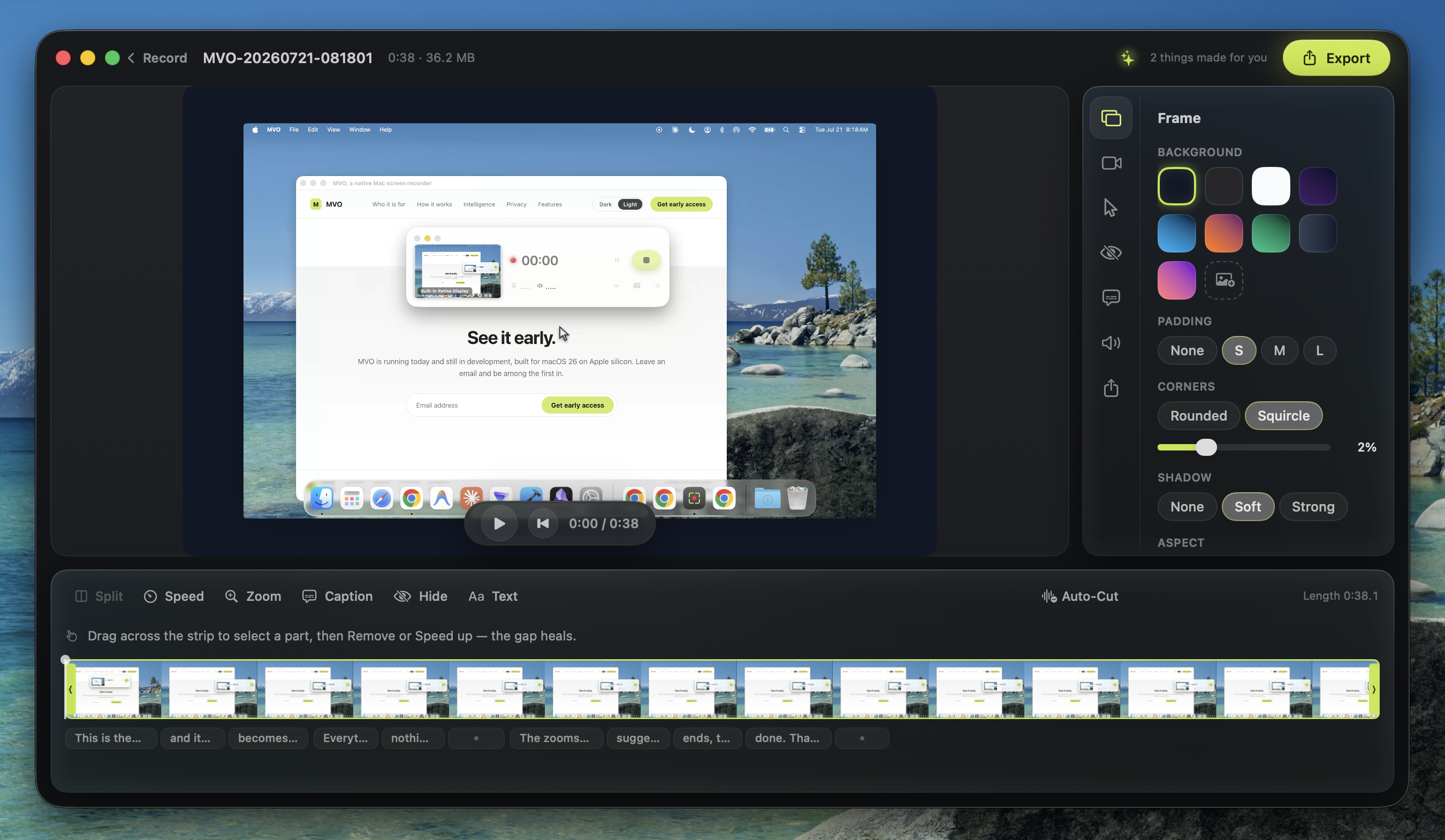
Stop, and MVO builds the cut. Zooms on the clicks that mattered, captions, clean audio, a proper frame. A receipt shows exactly what it did, and every decision stays reversible.
STEP 3
Share it
Want changes? Adjust the decisions, not keyframes. Then export a polished MP4 in wide-gamut color, plus GIFs suggested from the take, each one yours to approve first.
On-device intelligence
Stop the take. Watch it finish.
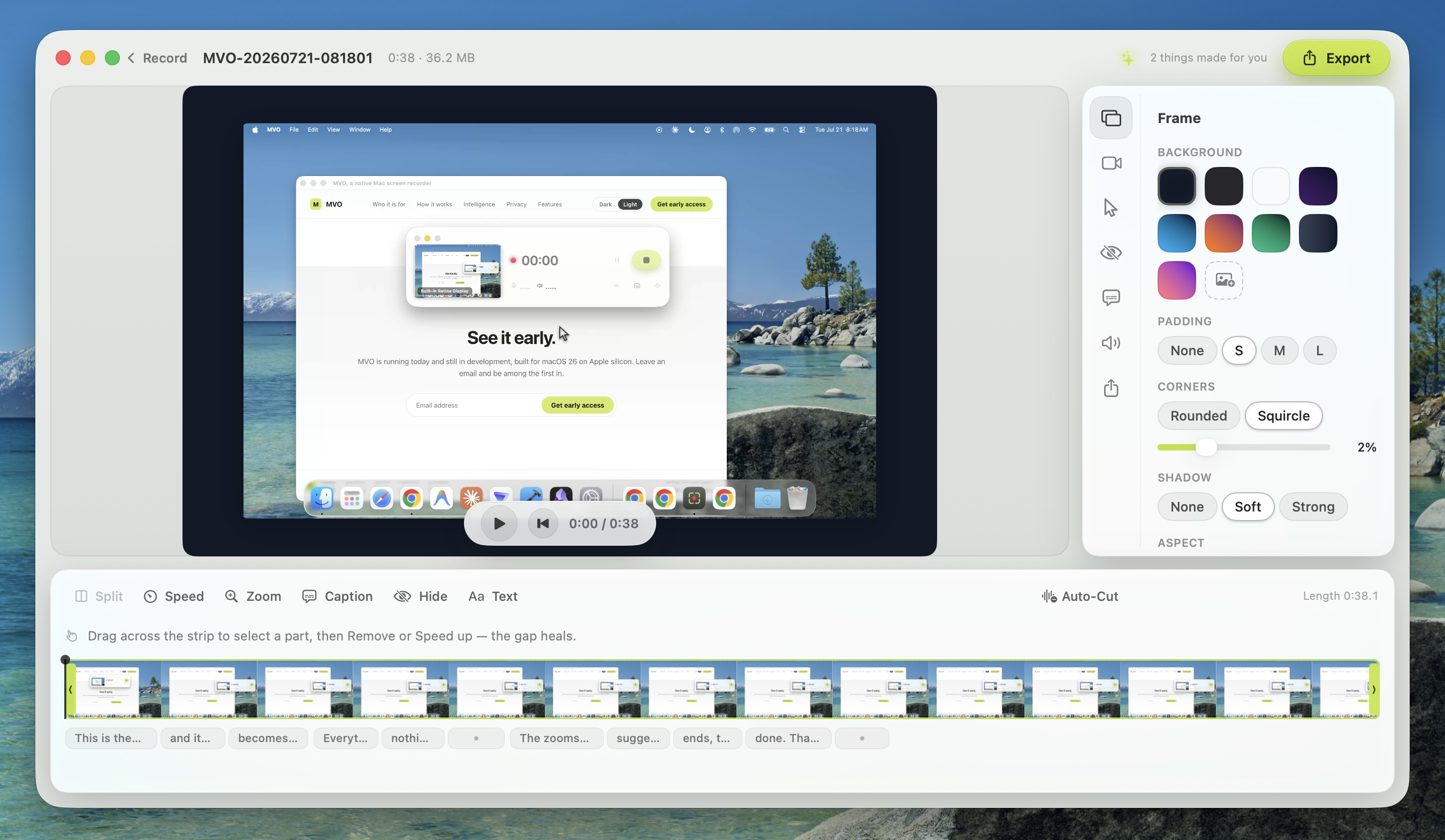
The moment you stop, your Mac gets to work. This is the real state of a real edit, not a progress spinner. When MVO says what it did, that is what it did.
Framed, color-faithful, ready to export.
Judged every click. This take needed no zooms, so the camera stayed still.
Spoken words timed to the syllable, ready to restyle.
A name, a share description, and a chapter list for the sections.
One shareable moment picked out, reviewable before export.
The edit is built from what happened on screen, not baked into pixels. Everything above is reversible.
The receipt, as it appears in the app. Real capture.
Core AI, on device
Built on the silicon you already own.
MVO is built on Apple's on-device Core AI stack and uses it wherever the product genuinely benefits. Every capability below runs entirely on your Mac. A name appears here because that technology actually does the work.
Captions that keep up with your voice.
Generated on device with per-word timing. The spoken word lights up in sync with the voice.
A title before you think of one.
Stop a take and MVO suggests a name, a share description, and a copyable chapter list.
Zooms that know what you clicked.
MVO reads which control you clicked and which clicks were deliberate, so a stray click does not move the camera.
A clean camera, no green screen.
On-device person segmentation blurs your background. Copy Text lifts the words off a screenshot.
Close-mic sound from a laptop mic.
An opt-in capture mode that isolates your voice from the room.
No cloud in the loop.
Everything here runs accelerated on Apple silicon. No account, no upload, no per-call bill hiding behind a feature.
Privacy
Nothing leaves your Mac.
Recording, transcription, zoom analysis, captions, summaries. All of it happens on your machine. There is no account and no upload. Delete a take and it goes to your Trash, not to a company's servers.
For some people that is a nicety. For some rooms it is the whole decision.
Where cloud recorders are banned outright, MVO simply works. The architecture is the privacy policy.
Features
The full kit, without the apprenticeship.
Auto Zoom
Calm camera moves, framed to the control you clicked.
Caption looks
A gallery of caption styles, paced by block, sentence, or word.
Auto-Cut
Silent stretches found for you, removed in one click, undoable.
Shortcut pills
The shortcuts you pressed, shown as tidy pills, not the text you typed.
Voiceover pacing
Import a narration and MVO paces each step to the line that describes it.
Redaction masks
Hide sensitive content in the output, even as it moves or scrolls.
Framing
Backgrounds, padding, rounded corners, and a soft shadow for any window.
Export recipes
Saved aspect, resolution, and quality, with a live size estimate. Display P3 color.
Crash-safe by architecture
Recording writes a file built to survive a crash mid-take. Next launch offers recovery.
Also in the box: scenes and split screen, a presenter video in the camera bubble, cursor polish with click effects, pause and resume, mid-take device switching, background music, text overlays, a system-wide hotkey, screenshots with Copy Text, and mvo:// links for scripting.
See it early.
MVO is running today and still in development, built for macOS 26 on Apple silicon. Leave an email and be among the first in.